What Is an LMS? The Complete Guide to Learning Management Systems, LMS Software & eLearning
 Rafeeque Parakkal
Last updated: August 9, 2026
17 min read
Category: LMS · eLearning · EdTech
Rafeeque Parakkal
Last updated: August 9, 2026
17 min read
Category: LMS · eLearning · EdTech
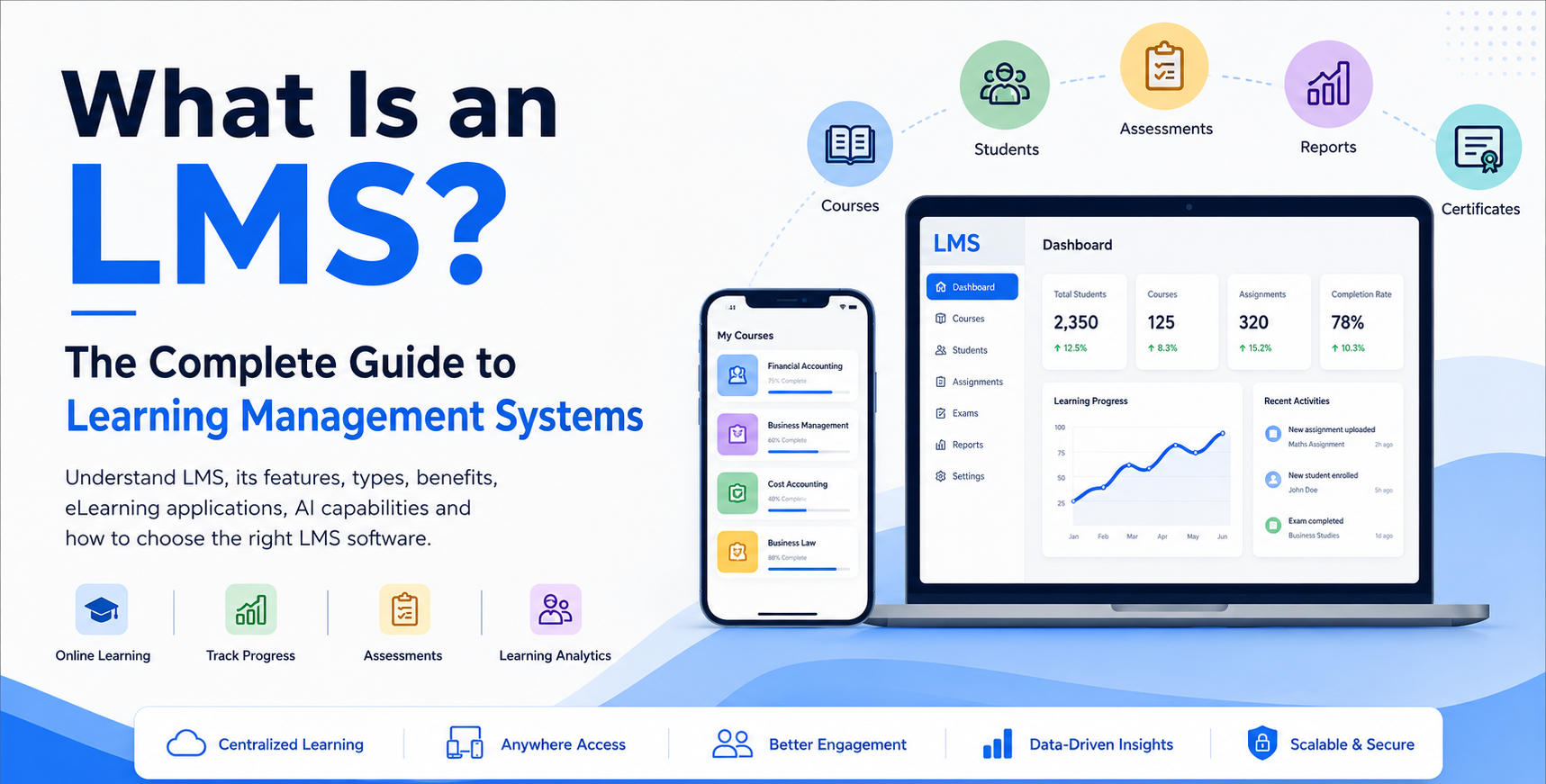
Learning has changed dramatically. A student no longer has to depend entirely on a classroom, a textbook or a fixed timetable to learn something new. Today, students can attend live classes, watch recorded lessons, complete assignments, take online exams, communicate with teachers and track their progress — all from a smartphone or computer.
But what brings all of these activities together?
An LMS is more than a website where teachers upload videos. A modern Learning Management System can become the digital backbone of a school, college, coaching institute, professional training centre or EdTech business.
It can bring together courses, students, teachers, assessments, learning content, communication, payments, analytics and increasingly AI-powered learning tools in one platform.
According to EDUCAUSE, an LMS supports the administration, delivery and analytics of courses and can be used across traditional, blended and online learning environments.
So, what exactly is an LMS, how does it work, what features should it have, and how do you choose the right LMS software? Let's take a closer look.
Table of Contents
- What Does LMS Stand For?
- How Does an LMS Work?
- What Can You Do With an LMS?
- LMS vs eLearning: Are They the Same?
- What Are the Different Types of LMS?
- What Are the Essential Features of an LMS?
- LMS vs Traditional Classroom
- LMS vs eLearning Platform
- What Is a Cloud-Based LMS?
- What Is a Custom LMS?
- How to Choose the Right LMS?
- How Much Does an LMS Cost?
- The Future of LMS: From Content Delivery to Intelligent Learning
- What Should a Modern LMS Look Like?
- LMS for the Future of Education
- Frequently Asked Questions About LMS
- Final Thoughts
What Does LMS Stand For?
LMS stands for Learning Management System.
It is software designed to help an organisation create, manage, deliver, monitor and evaluate learning activities.
For example, imagine a coaching institute with 5,000 students. Without an LMS, the institute may have:
- WhatsApp groups for communication
- Zoom for live classes
- YouTube or Vimeo for videos
- Google Forms for tests
- Excel for student records
- Separate payment systems
- Different tools for certificates
- Manual reports
Now imagine bringing these activities into one connected platform. That is where an LMS becomes valuable.
How Does an LMS Work?
A typical LMS connects several parts of the learning process.
Instead of managing each activity separately, the institution can manage the learning journey from a central system.
A modern LMS can support both online and blended learning, rather than replacing classroom teaching altogether.
What Can You Do With an LMS?
The capabilities of an LMS depend on the platform, but a modern system can include:
- Course management
- Student management
- Teacher management
- Live classes
- Recorded video classes
- Study materials
- Assignments
- Online examinations
- Question banks
- Attendance
- Certificates
- Discussion forums
- Notifications
- Payment integration
- Learning analytics
- Mobile applications
- AI-powered learning
- Personalised learning
This is why an LMS should not be viewed simply as a video-learning platform. It can become a complete digital learning ecosystem.
LMS vs eLearning: Are They the Same?
Not exactly. This is one of the most common questions people ask.
eLearning
eLearning refers broadly to learning delivered through digital technologies. For example:
- Watching an online course
- Attending a virtual class
- Completing an online test
- Learning through a mobile application
LMS
An LMS is the software platform used to organise and manage many of these learning activities.
Think of it this way:
An LMS can therefore become the foundation for an institution's eLearning strategy.
What Are the Different Types of LMS?
There isn't one LMS that fits every organisation. Different institutions have different requirements.
1. School LMS
A school LMS may support:
- Classes
- Subjects
- Assignments
- Exams
- Attendance
- Study materials
- Parent access
- Student progress
- Teacher communication
A school may also integrate its LMS with a broader School ERP.
2. College & University LMS
Higher education institutions may require:
- Department management
- Courses
- Faculty management
- Assignments
- Online examinations
- Academic records
- Learning analytics
- Student communication
- Integrations
An LMS can support classroom, blended and fully online learning environments.
3. Coaching Institute LMS
Coaching institutes often have a very different requirement. A coaching LMS may need:
- Live classes
- Recorded classes
- Mock tests
- Question banks
- Previous-year questions
- Performance analysis
- Rank reports
- Batch management
- Faculty management
- Student notifications
- Mobile learning
This is particularly useful for:
and other competitive or professional examinations.
4. Corporate LMS
Companies use LMS platforms for employee learning and development. Typical use cases include:
- Employee onboarding
- Compliance training
- Product training
- Skill development
- Certification
- Internal training
- Performance tracking
5. Professional Training LMS
Professional education providers can use an LMS for:
- Accounting
- Finance
- Management
- IT training
- Healthcare
- Language learning
- Technical training
- Skill development
6. EdTech LMS
An EdTech company may require a much more scalable platform. It may need:
- White-label mobile applications
- Multiple instructors
- Multiple courses
- Subscription management
- Payment gateways
- Analytics
- Affiliate management
- Multi-language support
- APIs
- CRM integration
- AI features
- Multi-tenant architecture
This is where a standard LMS and a custom LMS platform can be very different.
What Are the Essential Features of an LMS?
A good LMS should be selected based on the institution's actual learning model rather than simply choosing the platform with the longest feature list. LMS selection guidance similarly recommends identifying the institution's needs and prioritising essential requirements before comparing products.
Here are some of the most important LMS features.
1. Course Management
Administrators and teachers should be able to:
- Create courses
- Organise lessons
- Upload content
- Manage batches
- Set course schedules
2. Live Classes
Modern LMS platforms can integrate live teaching tools. Students can:
- Join classes
- Receive notifications
- Access schedules
- View recordings afterwards
3. Recorded Video Learning
Video remains an important component of online education. An LMS can organise:
Students can then continue learning at their own pace.
4. Online Examinations
An LMS can support:
- MCQ tests
- Mock exams
- Timed exams
- Descriptive assessments
- Automated evaluation
- Randomised questions
- Question banks
- Result analysis
For competitive-exam institutions, the examination engine can be one of the most important components of the LMS.
5. Assignments
Teachers can create assignments and students can submit their work through the platform.
6. Attendance
Institutions can track:
- Class attendance
- Live-session participation
- Course activity
- Student engagement
7. Student Analytics
This is where a modern LMS becomes much more powerful. Instead of simply asking:
the institution can ask:
Analytics can help identify:
- Low-performing students
- Frequently missed lessons
- Difficult topics
- Test performance
- Course completion
- Engagement patterns
Learning analytics and student activity data are increasingly important parts of modern learning environments.
8. Mobile Learning
Students increasingly expect learning to work on mobile devices. A mobile LMS can allow students to:
- Watch classes
- Take tests
- Read materials
- Receive notifications
- Check results
- Communicate with teachers
from anywhere. For coaching centres and professional training institutes, mobile accessibility can be particularly important.
9. Payment Integration
For commercial education businesses, an LMS may also connect learning with payments. For example:
Payment gateways can support online course purchases, subscriptions and fee collection.
10. Certificates
Institutions can automatically issue certificates after students complete defined course requirements.
11. Multi-Branch Management
Large education businesses may operate across multiple locations. A multi-branch LMS can manage:
from a central system. This can be especially useful for growing coaching and professional training businesses.
12. AI-Powered LMS
This is where LMS platforms are moving next. AI can potentially support:
AI Learning Assistant — Students can ask questions about their course content.
Personalised Learning — The system can recommend learning activities based on student performance.
AI Evaluation — AI can assist with certain forms of assessment and feedback.
AI Revision Plans — Students can receive personalised revision recommendations.
AI Analytics — The system can identify learning patterns and highlight students who may need additional support.
The next generation of digital learning environments increasingly emphasises personalisation, analytics, interoperability and learner-centred experiences.
LMS vs Traditional Classroom
Does an LMS mean classrooms are no longer necessary? Not necessarily.
The more practical model for many institutions is:
Students attend physical classes. Then use the LMS for:
- Revision
- Assignments
- Practice
- Recorded lessons
- Tests
- Communication
This creates a blended learning environment. The LMS becomes an extension of the classroom.
LMS vs eLearning Platform
The terms are often used interchangeably, but they can have slightly different emphasis.
An eLearning platform may focus heavily on delivering online learning experiences. An LMS generally places stronger emphasis on managing learners, courses, assessments, progress and administration.
In practice, modern platforms can combine both functions. That's why you may see businesses use terms such as:
- LMS
- eLearning Platform
- Online Learning Platform
- Digital Learning Platform
- Learning Platform
for overlapping solutions.
What Is a Cloud-Based LMS?
A cloud LMS is hosted on cloud infrastructure rather than being installed entirely on an organisation's local servers.
This can make it easier to:
- Scale users
- Access the platform remotely
- Manage updates
- Support multiple locations
- Integrate external services
However, institutions should still evaluate security, reliability, data protection, integrations and support before selecting a platform.
What Is a Custom LMS?
A standard LMS gives you a predefined set of capabilities. A custom LMS is designed around the specific requirements of an organisation.
For example, a coaching company may need:
A university may need:
An EdTech company may need:
Customisation becomes valuable when the organisation's workflow cannot be effectively supported by a standard platform.
How to Choose the Right LMS?
Don't start with:
Start with:
A good LMS evaluation should consider several areas.
1. Learning Requirements
What type of learning do you provide?
2. Number of Students
Will you have 500 students or 500,000?
3. Content
Do you need video, PDFs, live classes, interactive content or all of them?
4. Assessments
Do you need basic quizzes or a complete examination system?
5. Mobile
Do students need Android and iOS applications?
6. Integrations
Do you need:
- Payment gateway?
- Zoom?
- CRM?
- ERP?
- WhatsApp?
- APIs?
7. Analytics
What student data do you need?
8. Security
How will educational content and student data be protected?
9. Scalability
Can the platform grow with your organisation?
10. Support
Who will help when something goes wrong?
LMS selection should involve the people who will actually use the platform — including educators, administrators, IT teams and students — rather than being based solely on a feature checklist.
How Much Does an LMS Cost?
There is no single LMS price. The cost can vary depending on:
- Number of users
- Features
- Cloud infrastructure
- Mobile applications
- Customisation
- Integrations
- Video storage
- Examination requirements
- AI features
- Support
- Security requirements
A small training institute may need a simple LMS. A large university or EdTech company may require a highly customised and scalable learning ecosystem.
Therefore, instead of asking only:
ask:
The Future of LMS: From Content Delivery to Intelligent Learning
The first generation of LMS platforms focused heavily on:
Then the ecosystem expanded:
The next stage is:
And the future could move further toward AI-assisted learning ecosystems, where the system understands learning activity and helps students, teachers and administrators make better decisions.
This doesn't mean the teacher disappears. In fact, the role of the teacher can become even more valuable.
AI can handle some repetitive tasks. Teachers can spend more time on:
- Mentoring
- Explanation
- Motivation
- Critical thinking
- Feedback
- Human connection
What Should a Modern LMS Look Like?
A modern LMS should not feel like a digital file cabinet. It should feel like a learning ecosystem.
Old approach:
Modern approach:
That is the direction in which LMS technology is evolving.
LMS for the Future of Education
Whether you are running a:
- School
- College
- University
- Coaching centre
- IELTS institute
- OET academy
- CMA/CA institute
- Professional training centre
- Corporate training programme
- EdTech company
the right LMS can help connect different parts of the learning journey.
The important thing is not simply to buy an LMS. It is to choose a platform that fits your learners, teachers, content, business model and future growth.
Not sure which type of LMS fits your institution?
Book a free 30-minute consultation with Rafeeque Parakkal to get a straight answer, not a sales pitch.
Frequently Asked Questions About LMS
What is an LMS?
An LMS, or Learning Management System, is software used to manage, deliver, track and evaluate learning and training activities.
What does LMS stand for?
LMS stands for Learning Management System.
Is LMS the same as eLearning?
No. eLearning refers broadly to digital learning, while an LMS is software that can manage and deliver learning activities.
Who can use an LMS?
Schools, colleges, universities, coaching institutes, professional training centres, corporations and EdTech companies can all use LMS platforms.
Can an LMS conduct online exams?
Yes. Many modern LMS platforms include online examination, quiz and assessment capabilities.
Can an LMS have a mobile app?
Yes. LMS platforms can provide mobile learning through Android and iOS applications.
Can an LMS integrate with payment gateways?
Yes. Commercial learning platforms can integrate payment systems for course purchases, subscriptions or fee collection.
Can an LMS use AI?
Yes. Modern LMS platforms can incorporate AI for areas such as personalised learning, learning assistance, analytics and assessment support.
What is a custom LMS?
A custom LMS is a learning platform designed or significantly modified to meet the specific requirements of an organisation.
How do I choose the best LMS?
Identify your learning model, users, content, assessment requirements, integrations, analytics, security, scalability and support requirements before comparing platforms.
Final Thoughts
An LMS is no longer simply a place to upload online classes. It can become the technology layer connecting the entire learning journey.
From the first lesson to the final examination. From the teacher to the student. From learning content to analytics. From classroom teaching to online learning. And increasingly, from data to personalised learning through AI.
The best LMS is therefore not necessarily the platform with the most features. It is the platform that best fits the way your organisation teaches and the way your students learn.
As education becomes increasingly digital, mobile, data-driven and personalised, the LMS will continue to evolve from a course-management tool into a broader learning ecosystem.
Looking for an LMS for Your Institution?
If you are planning to launch or upgrade an LMS for your school, college, coaching institute, professional training centre or EdTech business, start by defining your learning requirements.
You may need Live Classes + Recorded Videos + Online Exams + Study Materials + Mobile Apps + Payments + Analytics + AI — or a much simpler solution. The right platform should be built around your requirements, not the other way around.
Rafeeque Parakkal
Founder & CEO of Trogon Media Private Limited. EdTech consultant, LMS consultant, and AI-in-education strategist with 10+ years of experience and 200+ LMS platforms delivered across India and the GCC.